Home › Blog › Too Many Software Tools
Signs Your Business Has Too Many Software Tools (and What to Cut First)
Last updated: July 9, 2026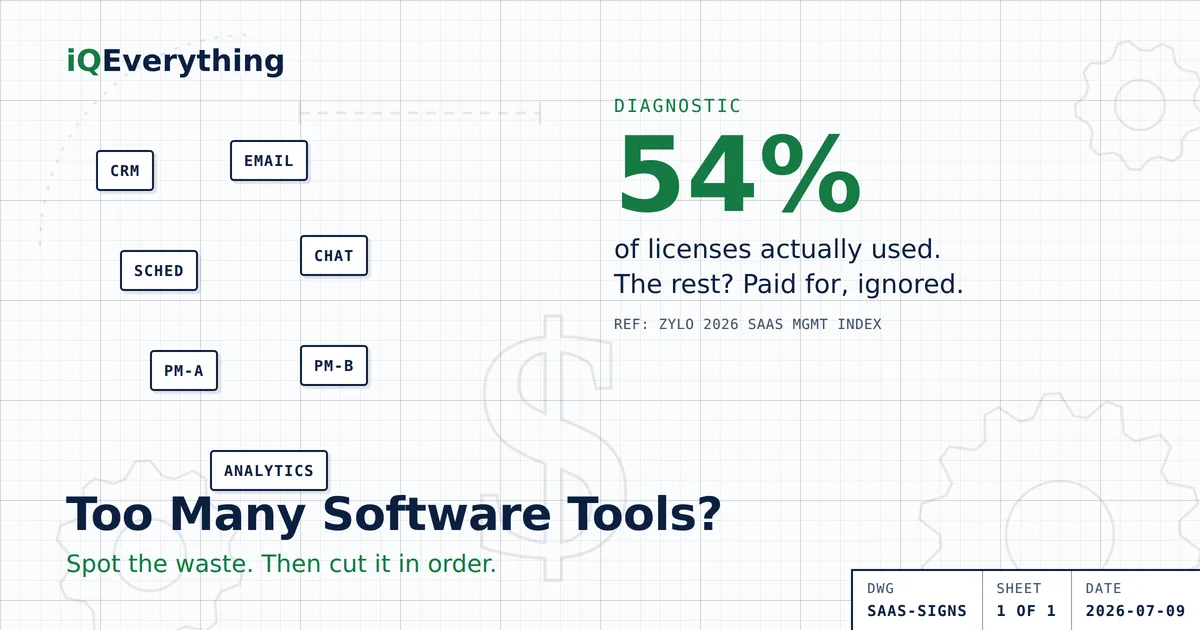
The short answer: you probably have too many software tools if three or more of these are true — you pay for two tools that do the same job, nobody can name every subscription you're on, reports get assembled by hand across systems, new hires need a dozen logins, and you renew tools because switching feels harder than staying. The average organization uses only 54% of the licenses it pays for (Zylo, 2026 SaaS Management Index), so the odds are already against you.
The fix isn't fewer tools for its own sake. It's cutting the waste, then connecting what's left. Here's how to spot it and what to cut first.
Nobody sits down one day and decides to buy twelve software subscriptions. It happens one problem at a time. You needed a scheduler, so you got one. Marketing needed a tool, so they got one. Somebody signed up for a free trial that quietly turned into a monthly charge. A person left and their license kept billing. None of it was a bad decision on the day it was made — but added together, it's a monthly bill for software your business half-uses.
This is the small-business version of what the industry calls SaaS overload, and it's more common than not. In BetterCloud's State of SaaSOps research, 53% of organizations reported consolidating redundant apps in 2024, up from 40% the year before. Translation: half the market has already looked at their stack and started cutting.
What counts as “too many” software tools?
Here's the thing worth getting straight up front: the number of tools isn't the problem. Ten tools your team actually uses, that share their data, is a healthy stack. Four tools where half the seats sit idle and none of them talk to each other is an expensive mess. “Too many” isn't a count — it's a ratio of what you pay for versus what you use, plus how much manual work it takes to move information between them.
So don't count your logos and panic. Look for waste (paying for what you don't use) and islands (tools that don't connect). Those are the two real problems, and every sign below is a symptom of one or the other.
The seven signs you have SaaS overload
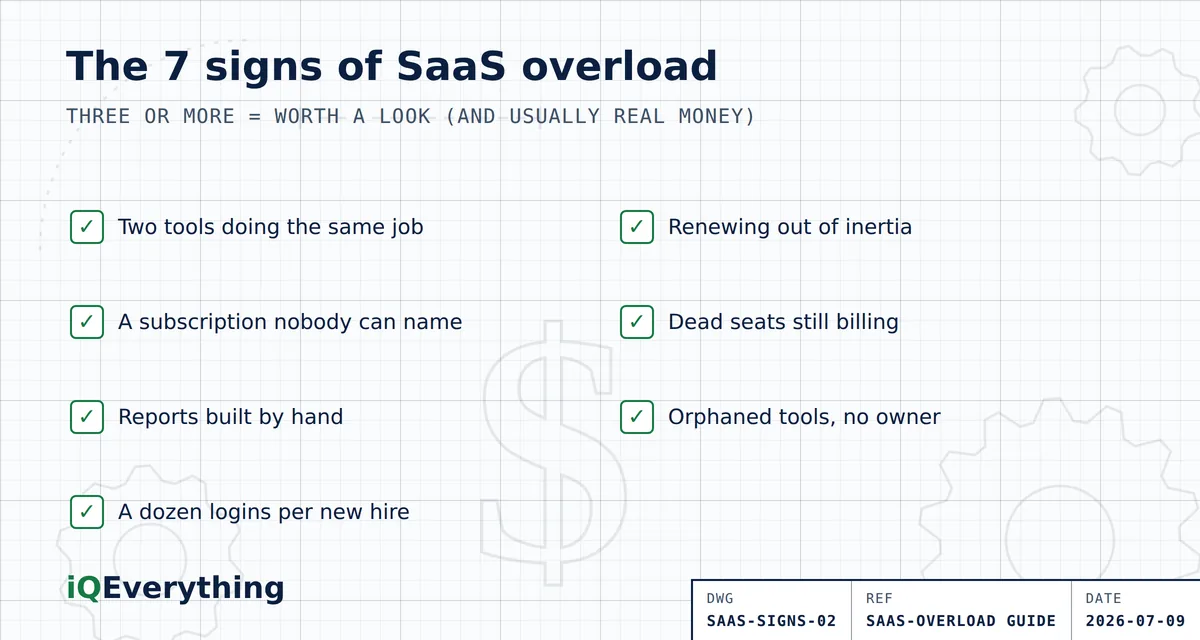
- You pay for two tools that do the same job. Two project trackers. Two email tools. A standalone scheduler plus the scheduler built into your CRM. Overlap is the single most common form of waste, and it's the easiest to cut.
- Nobody can name every subscription you're on. If you can't list your software tools from memory — and the person who could has moved on — you've lost track of your own spend. What you can't see, you can't manage.
- Reports get built by hand. Someone spends part of every week copying numbers out of one system and pasting them into a spreadsheet to answer a simple question. That's the “islands” problem: your tools hold the data but won't hand it to each other.
- New hires need a dozen logins. If onboarding a new person means creating accounts in ten or twelve systems, your stack has sprawled past what any one role actually needs.
- You renew out of inertia. The renewal notice comes, switching feels like a project, so you pay again — without asking whether the tool still earns its keep. This is exactly when costs climb: 79% of companies hit a SaaS price increase at renewal in the past year (Zylo, 2026 index).
- Dead seats are still billing. Licenses assigned to people who left, or to people who never log in. Zylo found 49% of licenses go unused within 30 days of purchase — a lot of software is paid for and then simply forgotten.
- Orphaned tools. The person who championed a tool is gone, but the subscription lives on, unowned and unquestioned, renewing forever.
Count them honestly. One or two is normal housekeeping. Three or more means it's worth a real look — and probably worth real money.
Why does this happen to good businesses?
Because every tool solved a real problem on the day you bought it. Software doesn't announce when it stops being useful. The scheduler you needed for a busy season keeps billing in the slow one. The trial you started “just to test” converts to paid on day 15 whether you used it or not. Teams change; the tools they brought don't leave with them. And each new tool arrives to solve one problem, without anyone checking whether a tool you already pay for could have done the job.
It's drift, not a decision. That's the important part — it means you're not disorganized, you're just overdue for a look. And a look almost always surprises the owner, because the waste hides in plain sight on a card statement nobody reads line by line.
What should you cut first?
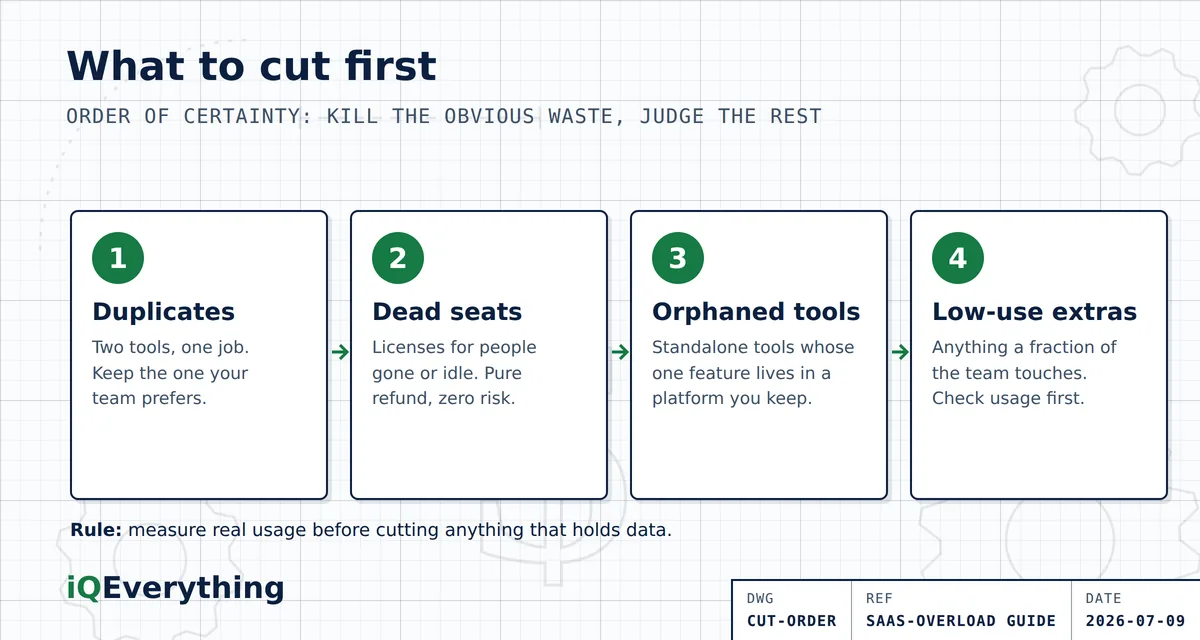
Cut in order of certainty — the stuff you can kill without a second thought first, the judgment calls last. This sequence gets you the fastest savings with the least risk:
| Order | Cut this | Why it's safe to go first |
|---|---|---|
| 1 | Duplicates — two tools doing one job | You keep the capability; you just stop paying twice for it. Keep the one your team actually prefers. |
| 2 | Dead seats — licenses for people gone or idle | Nobody is using them by definition. This is pure refund with zero disruption. |
| 3 | Orphaned standalone tools | If a tool's one useful feature already exists inside a platform you're keeping, the standalone is redundant. |
| 4 | Low-use “nice to have” tools | Anything a fraction of the team touches. Check real usage first — but most of these can go. |
The trick that makes this real: measure before you cut. Most tools have a usage or admin screen that shows who logged in and when. An afternoon with those screens turns “I think we don't use that” into “nobody has opened this in 90 days,” which makes the cancel button easy to press.
What NOT to cut (a word of caution)
Low usage isn't always waste. Before you cancel anything, check two things: does this tool hold data you'd need to export first, and does it run a critical workflow even if only occasionally? A billing tool might get opened once a month and still be load-bearing. A low-use system might be the only place a certain record lives. Cut the obvious duplicates and dead seats with confidence; slow down on anything that's quiet but important. The goal is to remove waste, not to break something to save a few dollars.
And once you've cut the clutter, the bigger win is usually connection — getting the tools you keep to share data so nobody's building reports by hand anymore. That's where AI agents earn their place: not as one more tool, but as the layer that ties the rest together. We walk through that whole decision — consolidate, connect, or replace — in the 2026 Guide to SaaS Overload.
Frequently asked questions
How do I know if my business has too many software tools?
The clearest signs: you pay for two tools that do the same job; nobody can name every subscription; reports are assembled by hand; new hires need a dozen logins; and you renew because switching feels harder than staying. Three or more and you have SaaS overload. The average organization uses only 54% of its licenses (Zylo, 2026 SaaS Management Index).
What should I cancel first when cutting software?
In order: duplicates (two tools, one job), then dead seats (licenses for people who left or never log in), then standalone tools whose one useful feature already lives inside a platform you keep. Cancel the clear waste before touching anything that holds your data or runs a critical workflow.
Why do small businesses end up with too many subscriptions?
Tools accumulate one problem at a time. Someone needed a fix, bought a tool, and it kept billing after the need passed or the person left. Free trials convert silently and overlapping tools arrive because nobody checks what you already own. It's drift, not a decision — which is why an inventory almost always surprises the owner.
Is it bad to use a lot of software tools?
The number matters less than whether you use them and whether they connect. Ten tools your team uses and that share data are fine. Four tools where half the seats sit idle and none of them talk to each other is the real problem. The goal isn't the fewest tools — it's no waste and no islands.
How often should I review my software subscriptions?
At least once a year, and always before a renewal — 79% of companies faced a price increase at renewal in the past year (Zylo), so renewals are when cost jumps and value should be re-checked. A quick quarterly glance at your card statement for software charges catches silent trial conversions early.
Not sure what's safe to cut?
Bring your subscription list to a strategy call. We'll tell you what to cut, what to connect, and what to leave alone — in plain English, with your numbers.
Book a Strategy CallOr call or text (615) 628-7386 — a human answers.